


When a new activity goes live, it gets the most visibility it will ever have. A main photo that meets the quality bar can drive up to 50% more clicks from search than one that falls short. A typo in your title plants a small doubt, and doubt makes travelers click away.
Two new features, photo feedback and writing checks, are now live in the activity creation flow to give you a second set of eyes before you go live. They review your content as you build, flag what could be stronger, and let you fix it before you submit.
Why listing quality decides so much
Listing quality decides whether a traveler clicks on your activity at all. Before a traveler reads a word about your experience, they've formed an opinion from two things: the photo on your search card and the first line of text next to it.
The photo does the heaviest lifting. A main photo that meets GetYourGuide's quality bar can bring in up to 50% more clicks from search. The text does the rest: a title with a typo or highlights that don't quite read right plant a small doubt about whether the rest of the listing can be trusted.
Neither has anything to do with how good your activity is on the day. But both decide how many travelers ever get far enough to find out. And the first weeks after a new activity goes live are when it gets the most visibility, so a weak first impression costs the most exactly when the listing can least afford it.
Introducing photo feedback and writing checks
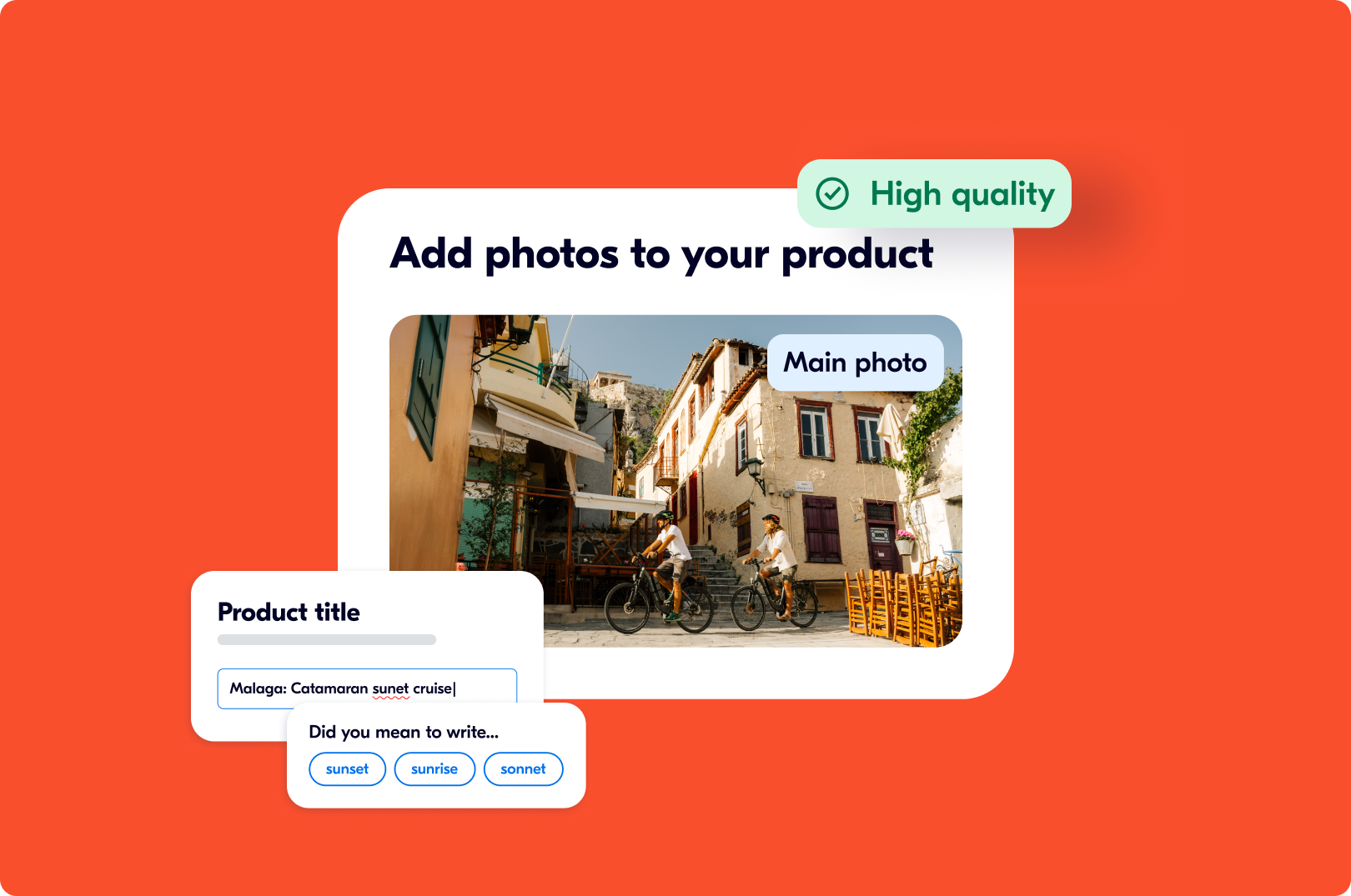
Photo feedback and writing checks are two features in the Supplier Portal that review your content while you create a new activity. Photo feedback gives each uploaded image a quality label within seconds. Writing checks underlines spelling, grammar, and punctuation issues in your text fields and flags when a field is written in a different language from the one you've set for the activity.
Both run automatically during activity creation. Both are advisory: they show you where a listing could be stronger, and you decide what to change.
Photo feedback: what you'll see when you upload
In the Photos step of creating a new activity, every image you upload gets a label a few seconds after it lands:
- "High Quality": Likely to appeal to travelers. Good candidate for your main photo.
- "Medium Quality": Acceptable, but not the strongest option to lead with.
- "Low Quality": Unlikely to help travelers choose you. Replace if it's your main photo.
- "May be rejected": Unlikely to pass GetYourGuide's photo checks once submitted. Replace it.
Your main photo gets its own callout under the photo grid, because it does more work than any other image. The sidebar shows a summary of the full set, so you can see at a glance whether you're ready or have some swapping to do. If none of your photos is strong enough to lead with, the portal will suggest adding another one.
What to do with each label
High Quality. This is what you want to lead with. If it isn't your main photo yet, make it one.
Medium Quality. Fine to keep in the set. Not the one to lead with if you have a high-quality option.
Low Quality. This photo is unlikely to help travelers choose you. If it's your main photo, replace it. Otherwise, consider whether a better shot of the same moment exists. Often it does: the same scene in daylight, or the original file instead of a version that's been resized by a messaging app.
May be rejected. The photo is unlikely to pass our checks once you submit. Replace it now rather than later. Typical culprits: very low resolution, heavy blur, text or logos on the image, or a picture that doesn't show the experience at all, like a map or a screenshot.
Two things worth knowing about how the labels work. They reflect how a photo is likely to appeal to travelers, based on what we've learned from what travelers click on. And they're a judgment, not a verdict. If you're confident in a photo the portal is unsure about, use your knowledge of your guests.
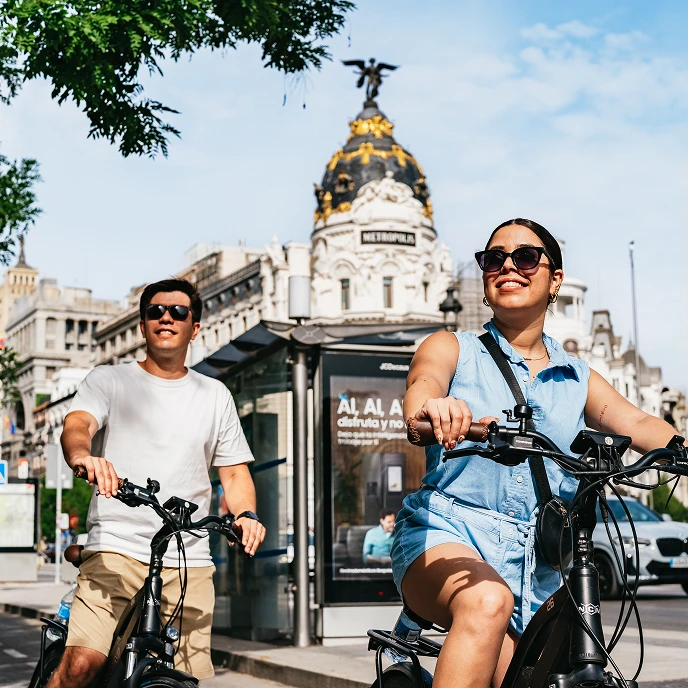
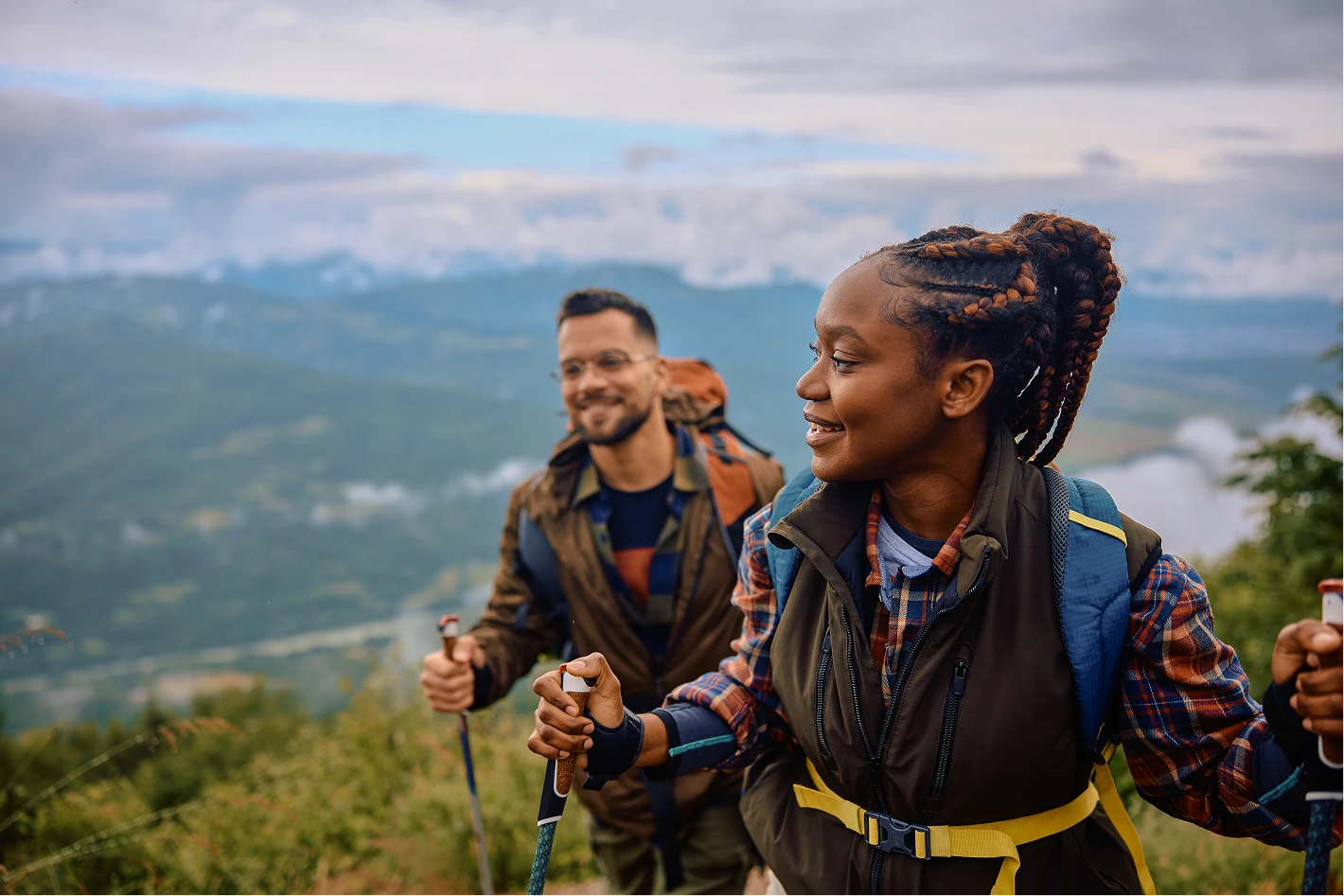
A rule of thumb for what tends to land as high quality: a real person, mid-experience, in good light, filling most of the frame.
Writing checks: spelling, grammar, and language
The second change is in the text fields. As you type your title, description, highlights, and other free-text fields, the portal underlines spelling, grammar, and punctuation issues. If anything is still flagged when you submit, you see a short summary.
There's also a language check. If your activity language is set to English but a field reads as another language, the portal lets you know, so travelers don't land on a page that's half one thing and half another.
This isn't about perfect English. Most experience creators on GetYourGuide don't write in their first language, and travelers don't need polished prose. What they need is clarity. A typo in the title reads as a small warning sign, and "we will picked you up" makes a traveler pause where "we will pick you up" doesn't. Clean text also translates better into the other languages your listing appears in.
If you're short on time, focus on the title and highlights first. These appear in search and at the top of your page. A slip in the long description is minor. A slip in the title is the first thing every traveler reads.
Before you hit submit
If you're about to create a new activity, three things:
- Upload your photos and check the summary before you pick a main photo. Lead with a “High Quality” image.
- Replace anything marked “May be rejected” before you submit. It's faster than fixing it after submission.
- Clear the underlines in your title and highlights. The rest can wait if you're pressed for time.
Photo feedback and writing checks are available in the activity creation flow of the GetYourGuide Supplier Portal. They appear when you build a new activity.
Start your next activity in the Supplier Portal, or learn more about our new features.
Frequently asked questions
Does photo feedback stop me from saving or submitting my activity? No. All labels are advisory. You can save and continue at any point, whatever the labels say.
Can I use photo feedback on activities I've already published? Not yet. Photo feedback and writing checks are currently available in the activity creation flow only. For existing activities, check our recommended actions in the Performance section.
What makes a photo high quality? Photos that tend to land as high quality show a real person mid-experience, in good light, sharp, and filling most of the frame. Photos of buildings, maps, logos, or screenshots tend to score lower.
Does the grammar check work in languages other than English? The spelling and grammar check currently covers English text. The language check works regardless: it flags when a field is written in a different language from the one set for the activity.
What if the checker flags a word that's correct? Ignore it. The checker is built to skip proper nouns and local terms, but it isn't perfect. You know your experience better than the checker does.
.png)
.png)